iPhone / iPad
Install from the Apple App Store
Open TestFlight ↗Version 2.0.46-113

Leave your number at home. Take your freedom with you.
Calls, texts, and AI to answer for you.
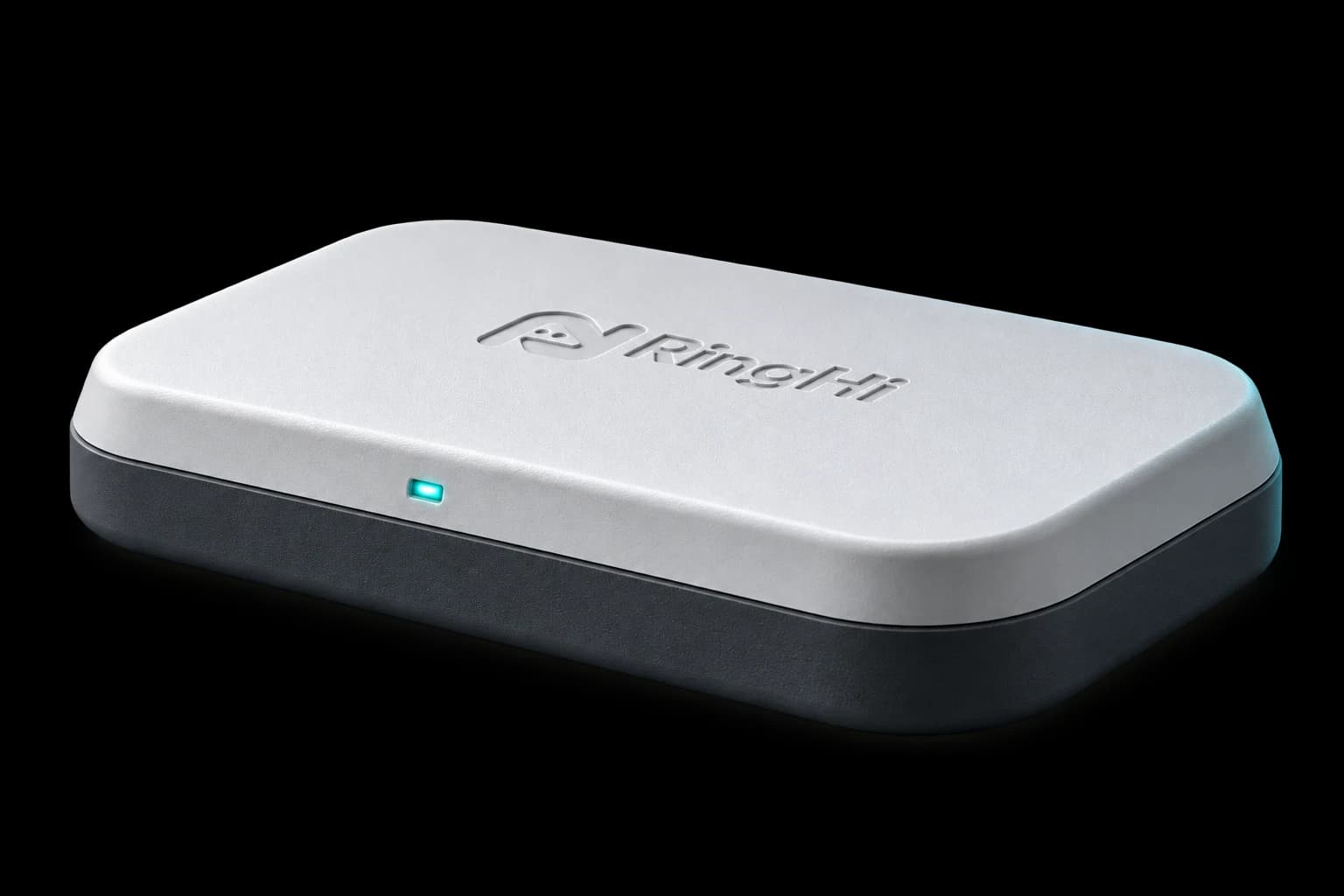 Actual product design · AI-rendered scene
Phones once existed for calls. Today, they carry every part of our lives.
Your number can have a home of its own.
One home for your number.More places to connect.
See what that makes possibleGo places. Keep the number people know.
Leave your SIM in RingHi at home to send texts and make or receive calls over the internet. Whether traveling for work or living abroad, your familiar connections stay within reach.
Your SIM · ConnectedFrom “answer for me” to “take care of this.”
When you are busy, let AI greet unknown callers and ask why they are calling. Need a restaurant booking? Share the time, party size and preferences, and let your assistant make the call.
AI requires your explicit consent, an online device, an available assistant and configured services. Available features are shown in the client.
Hello, I am the owner’s AI assistant. How can I help?
Invite you to answer when your attention is needed.
Your everyday number, with room for more options.
One physical SIM and one eSIM bring your existing number and digital plans together. Switch the active SIM as needed and choose a connection supported by your region and network.
Switch between two SIMs; only one is active at a time. eSIM plans, bands and network services depend on the hardware, region and carrier.
Communication, wherever you need it.
Use your phone, pick up your tablet, or continue on your computer. One account brings together texts, calls and assistant tasks. Connect communication capabilities to your authorized Agent through MCP.
See download availabilityAuthorize your Agent to read texts, send messages and initiate call actions. Supports MCP clients with manually configured Bearer authentication.
 RingHi
One account. More ways to connect. You control access.
Find the latest downloads and release availability here.
Install from the Apple App Store
Open TestFlight ↗Version 2.0.46-113Official APK · Direct installation
Download APK ↗Version 2.0.46-114-arm6427f9ddcc465c915033924828220f296d8ef987a1c6621e6bb74dbc332c057009Desktop app · Drag to install from DMG
Download for Mac ↗Version 2.0.33-91Open the DMG, drag RingHi into Applications, then launch it.4f2fe1098393422076f7a5e406fb519aa79fb8d34a9192b3738810ea25dae922Windows 10/11 x64 · Unsigned installer
Download beta installer ↗Version 2.0.33-91Unsigned, for testing only. SmartScreen may show a warning. Verify the official download URL and SHA-256; keep system security protections enabled.56def601693a38045814cc394457cdea7b5d110f1c89242230a4933618902bf0Sign in with Chrome, Safari or another modern browser. Initial device setup still requires a phone.
This release is a companion app for a compatible phone hub. Real SIM calls and SMS require online hardware, an active SIM and carrier service. Clearly labeled virtual demo devices are isolated demonstrations and do not connect to a carrier.
Keep the hub and SIM in their home region and connect over the internet to avoid international roaming charges on that SIM. Calls and SMS are billed under its carrier plan; internet access for the hub and client costs extra. The hub must stay online. Availability depends on the hardware, network and carrier.
The launch app is free to download, with no current in-app subscriptions. Hardware, SIM cards and carrier charges are separate. Any future paid AI services will have their pricing and activation details explained in advance.
AI is not enabled by default. Before use, we explain the providers, data shared and purposes, and ask for your consent. You can withdraw consent without affecting ordinary communication. This release does not use user data for model training.
In the app, go to My account → Delete account. After verification, access is revoked and a dedicated system erases data under the Privacy Policy. You can also contact support@aispea.com。